Make your phone battery last longer
Most battery drain comes from three things: the screen, a weak signal, and apps working in the background. Here's how to deal with each.
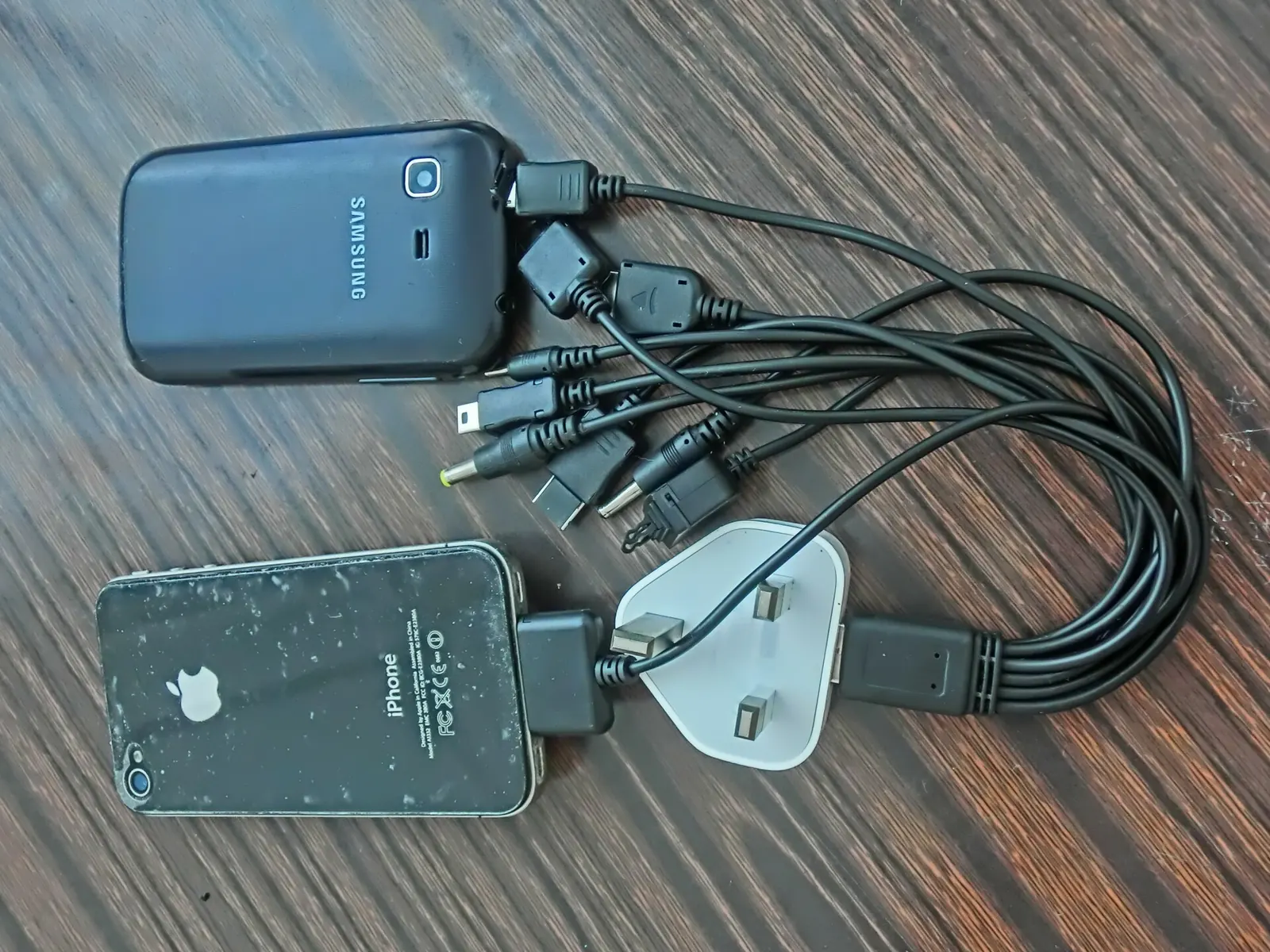
First, see what is using it
Open Settings → Battery. Both Android and iPhone list which apps used the most battery in the last day. If one app you hardly opened is near the top, it is working in the background: restrict it (below) or uninstall it.
The screen
- Brightness: turn on automatic (adaptive) brightness. Full brightness indoors can double the screen's power use.
- Screen timeout: 30 seconds or 1 minute is plenty.
- Dark mode: on phones with an OLED screen (most mid-range and better phones since about 2019), dark backgrounds use noticeably less power.
- Refresh rate: a 120 Hz screen feels smooth but costs battery. Many Android phones let you switch to 60 Hz in Display settings.
Weak signal
A phone searching for signal uses a lot of power. In places with poor reception (basements, trains, rural areas) use Wi-Fi where you can, or switch on airplane mode if you don't need the phone for a while. If 5G coverage is patchy where you live, setting the network to 4G/LTE often saves battery.
Background apps
- Android: Settings → Apps → choose the app → Battery → Restricted (or "Optimised").
- iPhone: Settings → General → Background App Refresh: switch it off for apps that don't need it.
- Location: set apps to "While using the app" rather than "Always".
- Notifications: each one wakes the phone. Turn off the ones you never read.
Battery saver mode
Low Power Mode (iPhone) and Battery Saver (Android) pause background activity and dim the screen. Turning it on at 30% rather than waiting for the automatic prompt at 20% or 10% gets you noticeably further.
Keeping the battery healthy
Lithium-ion batteries wear with every charge cycle and with heat. After about 500–800 full cycles, most keep around 80% of their original capacity.
- Avoid heat: don't charge under a pillow or leave the phone in a hot car.
- You don't need to run the battery down to zero. Topping up is fine.
- Use the built-in charge limit if your phone has one (often called "Optimised charging", "Protect battery" or an 80% limit). Holding a battery at 100% for hours ages it faster.
- Use a decent charger and cable. Cheap no-name chargers are a fire risk.
When to replace the battery
iPhones show Maximum Capacity under Settings → Battery → Battery Health. Many Android phones show battery health in Settings or in the maker's support app. Below about 80%, or if the phone shuts down at 20–30%, a battery replacement is usually far cheaper than a new phone.
Questions
Should I close apps to save battery?
No. Swiping apps away usually costs more battery, because reopening them from scratch takes more work than resuming them. Restrict the specific apps that misbehave instead.
Is fast charging bad for the battery?
Phones manage fast charging carefully and slow it down as the battery fills. Heat is the bigger enemy, so avoid fast charging in a hot place or while gaming.