All guides
Each guide covers both Android and iPhone. Menu names differ a little between phone makers; search the Settings app if you can't find an option.
Everyday fixes
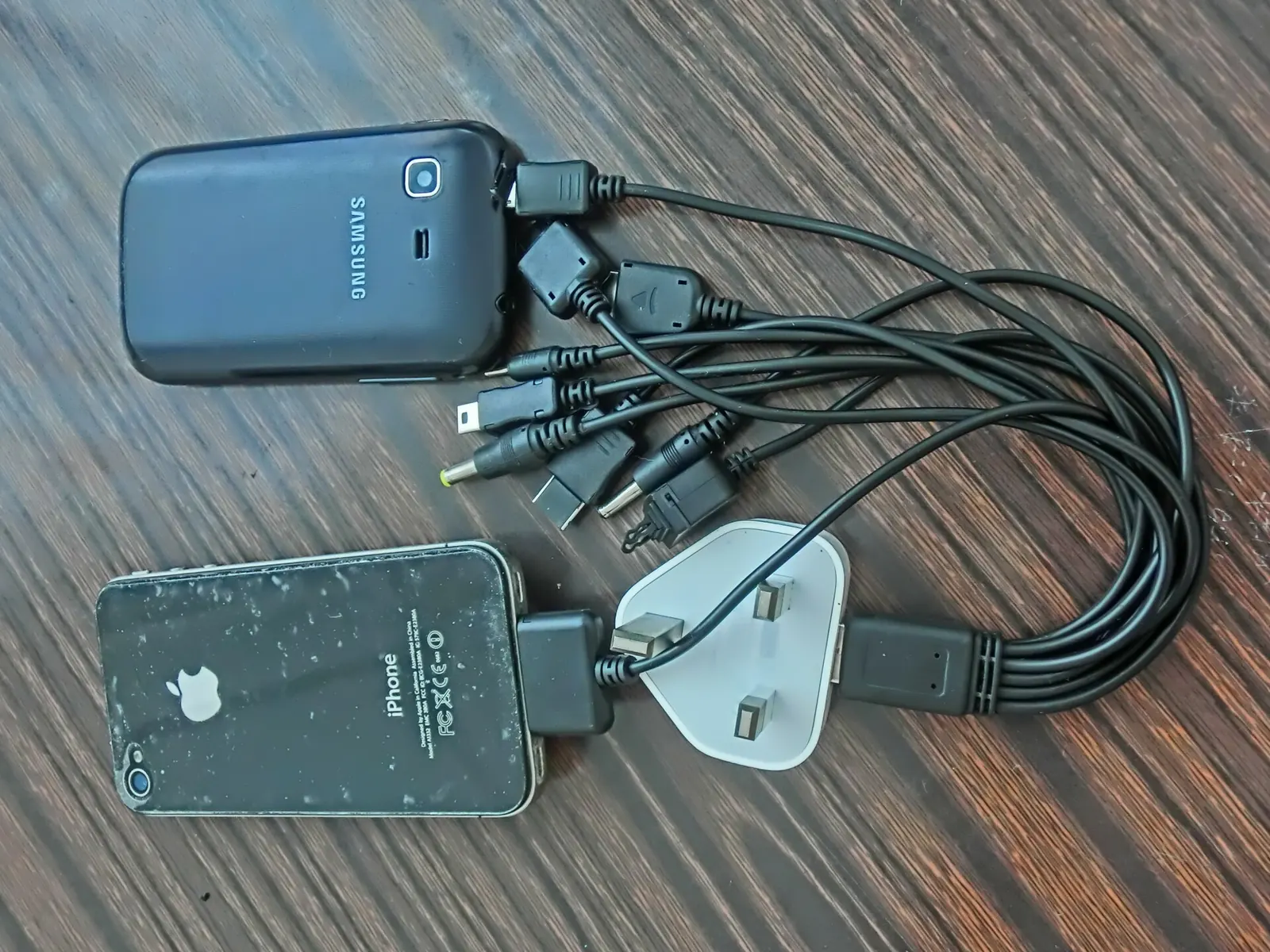 Make your phone battery last longerWhat really drains a phone battery, the settings worth changing, and charging habits that keep the battery healthy for longer.
 Phone storage full? Free up space safelyFind out what is filling your phone's storage and clear it safely: photos and videos, chat media, app caches, downloads and offline files.
 A slow phone: fixes to try, in orderSimple fixes for a slow Android phone or iPhone, from the quickest to the most drastic: restart, storage, updates, misbehaving apps, a worn battery and a factory reset.
 Wi-Fi problems and mobile data that runs outPractical fixes for slow or dropping Wi-Fi on a phone, and settings that stop mobile data running out before the end of the month.
 Screen time and focusPractical settings to spend less time on your phone without giving it up: screen-time reports, app limits, notifications, focus modes, grayscale and bedtime settings.
 Settings that make a phone easier to usePhone settings that help everyone, and especially older users or people with poor sight or hearing: bigger text, magnifier, live captions, hearing aids, simple home screens and emergency info.
Bigger jobs
 Back up your phone properlyWhat to back up on an Android phone or iPhone, how to do it with Google or iCloud, how to back up WhatsApp chats, and how to check that the backup really worked.
 Move everything to a new phoneStep-by-step transfer to a new phone: Android to Android, iPhone to iPhone, and switching between Android and iPhone, plus WhatsApp, two-factor apps and the old phone.
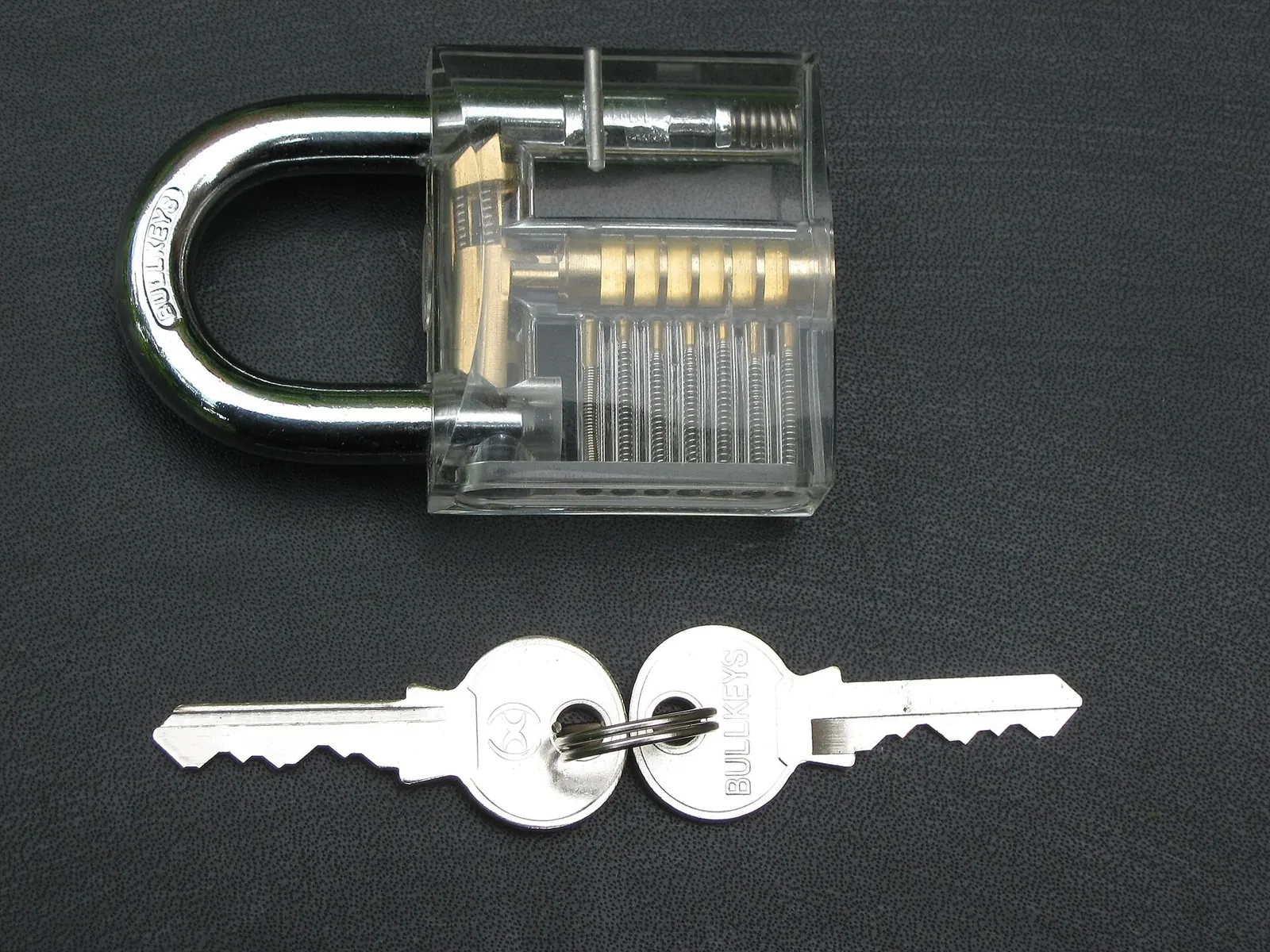 Phone security basicsThe handful of settings that protect most people: a proper screen lock, updates, two-step sign-in, app permissions, recognising scam messages, and what to do if your phone is lost or stolen.
 Buying a used phone: what to checkHow to check a second-hand Android phone or iPhone before you pay: account lock, IMEI blacklist, battery health, screen, cameras, charging, and how long it will still get updates.
 Before you sell, give away or recycle a phoneHow to wipe an old phone safely before selling or recycling it: back up, sign out of accounts, remove the SIM and memory card, factory reset, and where to recycle it.