Phone security basics
A few settings protect you from most real-world problems: theft, scams and account takeovers.
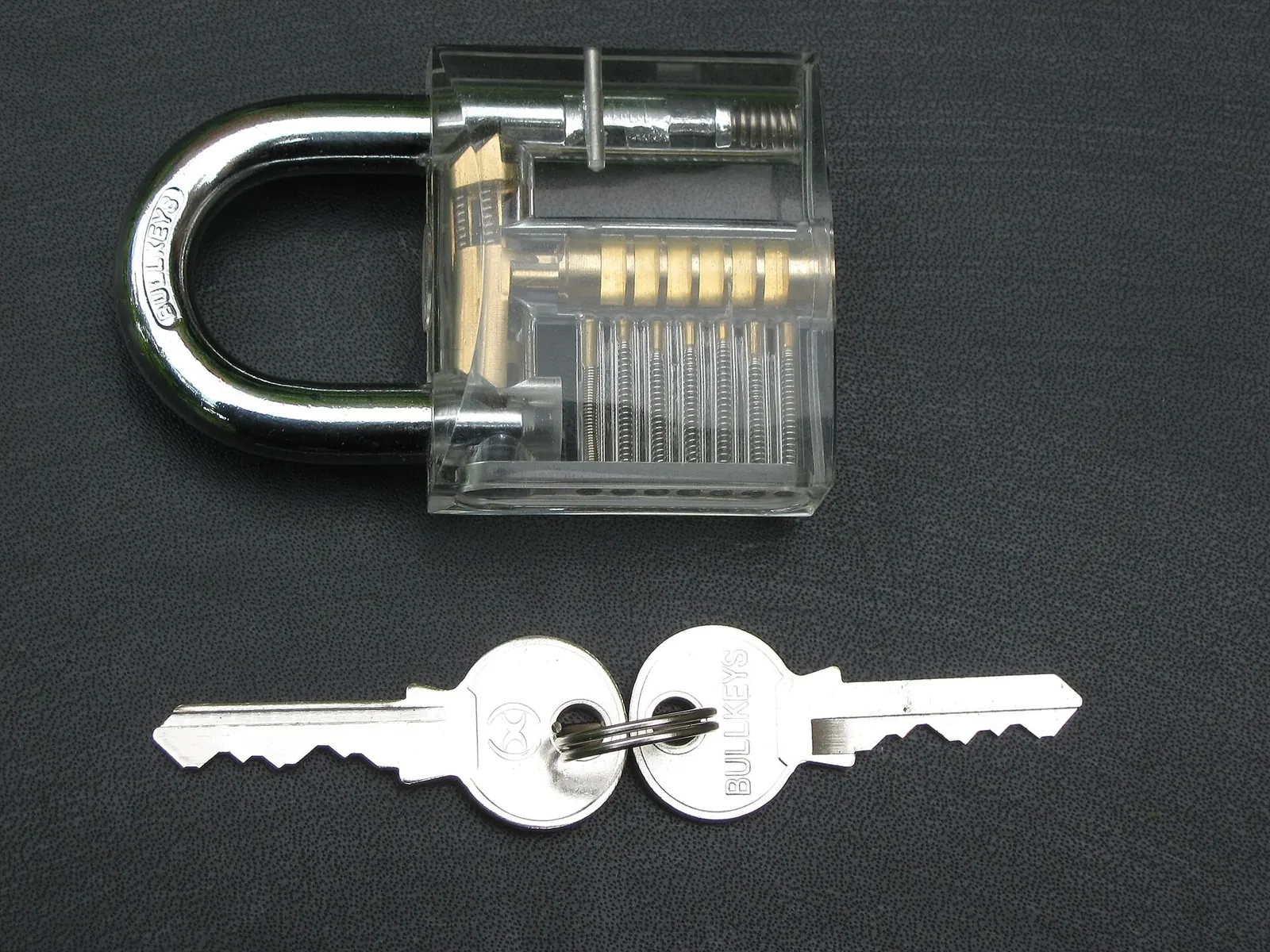
A proper screen lock
Use a PIN of at least six digits, or a password, plus fingerprint or face unlock for convenience. Patterns are easy to watch over your shoulder. Turn on the setting that hides notification content on the lock screen, so codes sent by text can't be read by someone holding your phone.
Updates
Install system and app updates promptly; they close security holes that are actively used by criminals. Phones that no longer get updates become riskier every month.
Your Google or Apple account
- Turn on two-step verification and keep your recovery phone number and email up to date.
- Use a password manager (both Google and Apple have one built in) and a different password for every site.
- Passkeys, where offered, are safer than passwords and easier to use.
Scam messages and calls
- Banks, delivery firms and the tax office don't send links asking you to "confirm" your details or pay a small fee.
- Never read out a code that was sent to you by text. That's how accounts are taken over.
- "Hi Mum, I've lost my phone, this is my new number": call the old number before you send anything.
- Only install apps from the Play Store or App Store, and never because a caller asked you to.
App permissions
Settings → Privacy shows which apps can use your location, camera, microphone, contacts and photos. Remove access that an app doesn't obviously need. Both systems also remove permissions automatically from apps you haven't used for months.
If your phone is lost or stolen
- From another device, use Find My Device (google.com/android/find) or Find My (icloud.com/find) to locate, lock or wipe it.
- Call your mobile operator to block the SIM, so nobody can receive your text codes.
- Change your main account passwords, starting with email and banking.
- Report it to the police; you'll need the IMEI number, which is printed on the box and shown in your Google or Apple account.
Turn on theft protection features now if your phone has them (Android's Theft Protection, iPhone's Stolen Device Protection).